AI for Manufacturers in Western Wisconsin: Five Practical Starting Points
AI for manufacturers in Wisconsin starts with paperwork, not robots. Five first projects, from quoting to maintenance logs, and how to train the team.
In this article
The most practical way to start with AI for manufacturers in Wisconsin is with the paperwork around the machines, not the machines themselves. For a shop of 10 to 100 people, five jobs make good first projects: quoting, scheduling, quality records, maintenance logs and ERP reporting. All five run on text and numbers your people already handle by hand, each can be tested in a few weeks, and a person still checks the result before it reaches a customer or the floor.
Wisconsin manufacturing accounted for about 458,000 jobs in August 2026, roughly 15% of all nonfarm jobs, according to the Bureau of Labor Statistics' Wisconsin Economy at a Glance (opens in a new tab) page (a preliminary, seasonally adjusted figure). This guide is for the smaller shops in that sector: western Wisconsin job shops, fabricators and machine shops without a data team.
Why start with paperwork instead of robots?#
Robots, vision cameras and machine sensors are real AI projects, and Wisconsin's own training program lists uses like these. In its WisTRAIN program announcement (opens in a new tab), the Department of Workforce Development (DWD) lists predictive maintenance, quality inspection using computer vision and automated production scheduling as common uses of AI and automation in manufacturing.
Those projects need capital, integration work and time on the floor. The paperwork side of the same problems does not. Quotes, schedules, inspection notes and maintenance logs live in documents and spreadsheets, which general AI tools read and write well.
Paperwork projects also teach your team where AI saves time, where it guesses and how to check it. A good first project repeats every week and already gets reviewed before it goes out.
Five places to start with AI for manufacturers in Wisconsin#
1. Quoting: let AI read the RFQ first#
An RFQ package can hold a drawing, a spec sheet, terms and a long email thread. Ask AI to list every quantity, material, tolerance callout, finish, certification and delivery date, then flag anything unclear or missing. It can also draft the quote letter with your standard assumptions and exclusions.
Your estimator still sets the price and decides whether to quote at all. AI does not know your machine rates, your scrap history or which customers pay late unless you tell it.
First test: take three recent RFQs your estimator already worked. Have the tool list the requirements and open questions, then compare its list with what your estimator caught.
One caution: customer drawings are often covered by a confidentiality agreement, and some defense work carries controlled information with strict handling rules. Use a business account your company controls, check what the customer's terms allow, and if your parts end up in defense contracts, read our guide to CMMC for Wisconsin manufacturers before those files go into any AI tool.
2. Scheduling: explain the schedule, don't hand it over#
Small-shop schedules live in the ERP, a spreadsheet, a whiteboard, or all three. Letting AI build the schedule is a poor first project. Asking it to explain the schedule you already have is a good one.
Export open jobs each morning with due dates and remaining hours. Ask the tool which jobs look at risk of shipping late and what changed since yesterday. Have it draft the email to a customer whose ship date slipped, for the scheduler to edit and send.
The scheduler stays in charge. AI does not know a machine went down overnight or that a key operator is out unless someone tells it.
First test: run the morning at-risk list for two weeks beside the scheduler's own list, and note where they disagree.
3. Quality records: find the pattern in the notes#
Nonconformance reports, corrective actions and customer complaints are usually free text spread across forms, email and spreadsheets. Nobody has time to read a full year of them in one sitting, but an AI tool can.
Put the last 12 months of nonconformance notes into one spreadsheet with part number, customer, date and description. Ask for the most common causes by part and by work center. Then ask it to draft the first version of a corrective action write-up from the notes your quality lead collected.
Your quality lead signs everything. AI can file a record under the wrong cause, so its groupings are a starting point, not a finding.
First test: ask for the top five recurring causes from last year, then have your quality lead read a handful of the original records behind each one.
4. Maintenance logs: read the notes nobody reads#
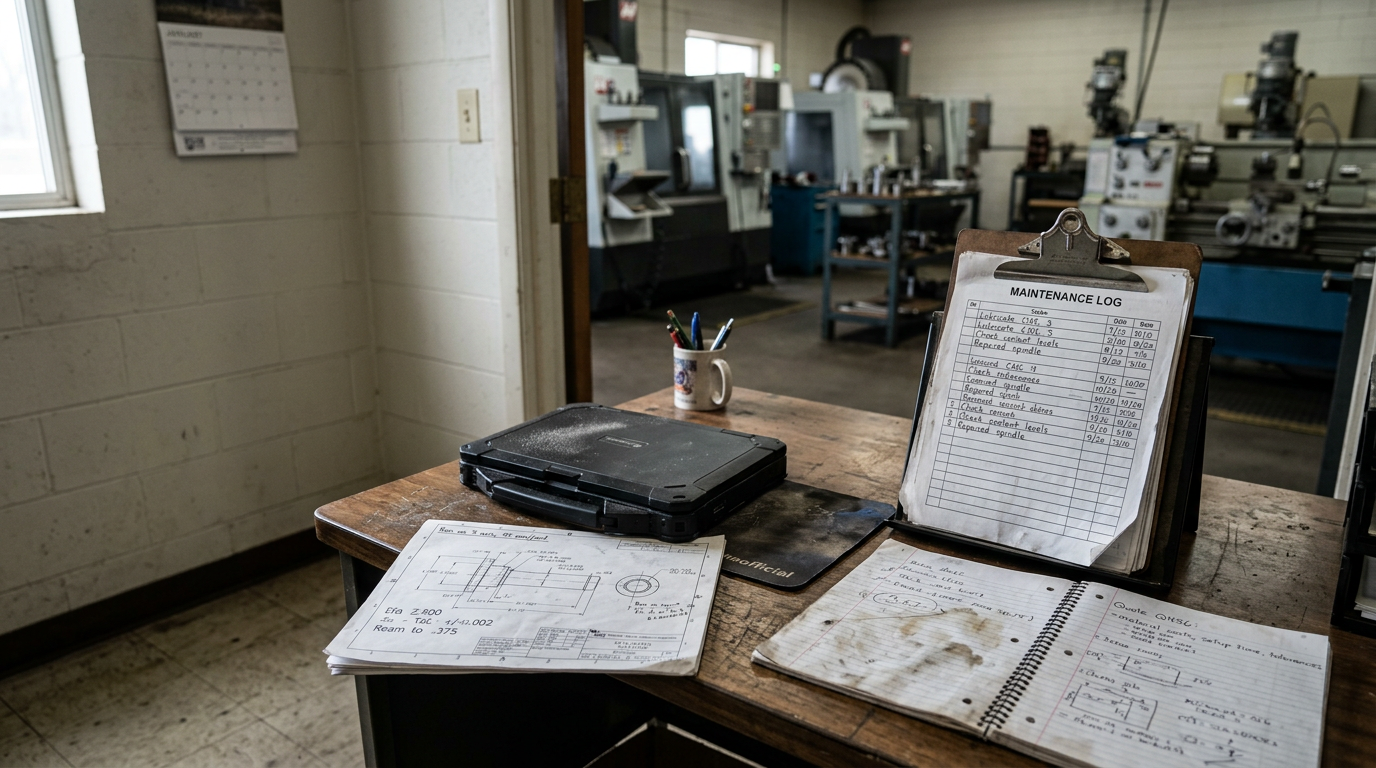
Maintenance history is often a stack of short notes: "spindle noise again," "replaced belt," "coolant leak, fixed." One note says little. A year of them shows which machines keep coming back.
AI can group repeat problems by machine, summarize downtime notes by month, and draft preventive maintenance checklists from the equipment manuals you already own. This is the paperwork step that comes before predictive maintenance with sensors, and it needs no new hardware.
Anything that touches a safety procedure, such as lockout steps, gets reviewed and approved by the person responsible for it before anyone uses it.
First test: give it six months of work orders for your three most troublesome machines and ask what repeats.
5. ERP reporting: ask your data questions in plain English#
JobBOSS, Epicor, E2 and similar systems hold the answers to most shop questions. Getting them out usually means a canned report, an export, or waiting on the one person who can build a query.
AI can sit on top of that data so you can ask "which open jobs are over their quoted hours?" and get a table or chart back. Our AI for manufacturers service works this way: live dashboards on job costing, scrap and capacity, built from Epicor, JobBOSS, SolidWorks and other shop data by asking in plain English.
Start read-only, with questions you already ask every week, and check the first answers against a report you trust. The ERP also has to be healthy underneath. If yours is JobBOSS and it is slow or throwing errors, our JobBOSS support covers the database, network and backup side.
First test: write down the five questions you ask about jobs every Monday and time how long each one takes to answer today.
The five starting points at a glance#
| Starting point | What AI drafts or finds | What a person still owns |
|---|---|---|
| Quoting | Requirements list, open questions, quote letter | Price and the go or no-go call |
| Scheduling | At-risk jobs, daily change summary, customer emails | The schedule itself |
| Quality records | Recurring causes, first-draft corrective actions | Root cause and sign-off |
| Maintenance logs | Repeat problems by machine, draft PM checklists | Repairs and safety procedures |
| ERP reporting | Plain-English answers, tables and charts | Which numbers you act on |
AI training for manufacturers: getting the team ready#
A new tool changes little until people use it on real jobs. Train the people who own the paperwork: the estimator, the scheduler, the quality lead, the maintenance lead and the office manager, with the owner in the room.
Cover four things:
- The rules. Which tools and accounts are approved, and what goes where. Customer drawings go only into the approved business account, and only when the customer's terms allow it. Controlled defense information and employee personal data stay out until someone has checked the rules that cover them. Microsoft's Copilot privacy documentation (opens in a new tab) for Microsoft 365 business customers says prompts, responses and data accessed through Microsoft Graph aren't used to train foundation models, and that Copilot only surfaces data a user already has at least view permission to see. If everyone can open the payroll folder, Copilot can surface it to everyone, so tighten file permissions first.
- Practice on their own work. Each person works a real RFQ, schedule, report or log with the tool, with help at the moment it goes wrong.
- Checking the output. The same Microsoft page says generative AI responses aren't guaranteed to be 100% factual. Teach people to check numbers against the source and to treat every output as a first draft.
- Writing down what worked. A shared page of prompts and results for each starting point turns one person's trick into the shop's habit.
Our hands-on AI training for business is built around that kind of working session rather than a lecture.
Can WisTRAIN help pay for AI training?#
Possibly, if a funding window is open. WisTRAIN is DWD's grant for employer training in AI and advanced manufacturing. The WisTRAIN FAQ (opens in a new tab) says it reimburses up to 80% of eligible training costs, capped at $6,600 per trainee, and that costs incurred before the grant agreement is executed are not eligible. The program announcement lists AI-enabled manufacturing systems and data analytics for manufacturing operations among its examples of eligible training, and says general onboarding or routine job training is not eligible.
As of late September 2026, the WisTRAIN program page (opens in a new tab) says the initial application window is closed and DWD is processing applications submitted by the July 13, 2026 deadline. It also says more information is coming on whether rolling applications will be accepted, so check it for the current status. Our post on WisTRAIN and AI training for Wisconsin employers covers eligibility, the cash-flow math and how to prepare. This is general information, not grant advice. DWD decides eligibility and awards.
Local help in western Wisconsin#
Coulee Tech's Holmen headquarters serves La Crosse, Onalaska and the Coulee Region, and our Eau Claire office serves the Chippewa Valley, with engineers on-site in the region. AI guidance comes from Certified AI Business Maturity Model (AIBMM) Coaches, and we also handle manufacturing IT, so the AI project and the network, ERP server and security under it are one conversation.
Frequently asked questions#
How can a small manufacturer start using AI?#
Pick one repeated paperwork task with a clear owner, such as reading RFQs or summarizing maintenance logs. Gather 10 to 20 real examples, test a business-grade AI tool on them for two weeks, and compare the results with how the work gets done today. Keep a person reviewing every output, and expand only after the first task shows a clear time saving.
Do we need clean data before we use AI?#
Not for most of the paperwork starting points. AI can work with messy notes, emails and PDFs, which is why they make good first projects. ERP reporting is different: if job data, part numbers or time entries are wrong in the system, the AI's answers will be wrong too, so check the first answers against a report you trust.
Is it safe to put customer drawings into AI tools?#
It depends on the tool, the drawing and the customer's terms. Keep confidential files out of free consumer accounts. At minimum, use a business account your company controls, with terms that say your data is not used for training, and only when the customer's confidentiality agreement allows it. Drawings tied to defense contracts may carry controlled information with its own handling rules, so check your contracts first. This is general information, not legal advice.
Is there funding for AI training for Wisconsin manufacturers?#
DWD's WisTRAIN grant reimburses up to 80% of eligible costs for employer training in AI and advanced manufacturing, but costs incurred before a grant agreement is executed do not qualify. As of late September 2026, its initial application window had closed and DWD was processing applications, so check the WisTRAIN page for the current status.
Book an AI readiness assessment#
If you want help choosing where your shop should start, book an AI readiness assessment. Our AI Business Maturity Assessment typically takes 2 to 4 weeks, including stakeholder interviews, and ends with a maturity scorecard, a gap analysis and a prioritized action plan.