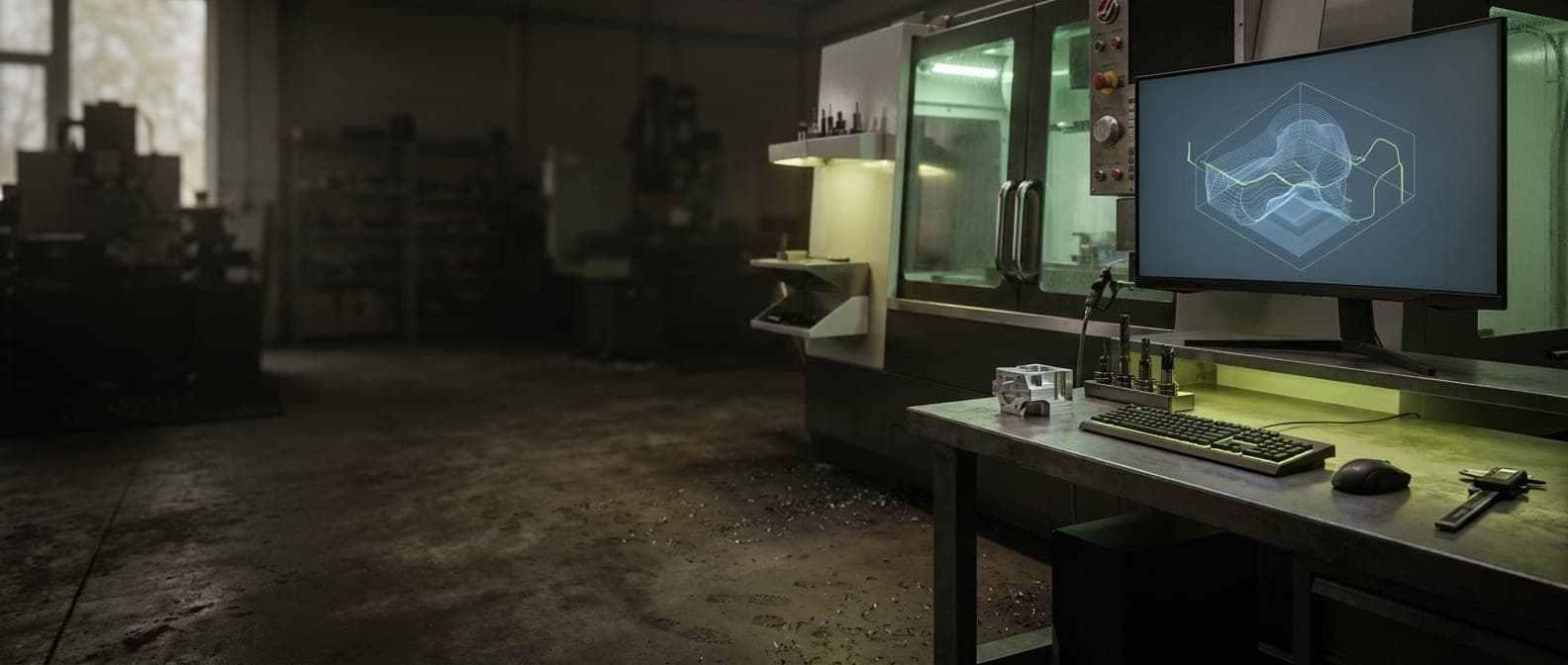
Mastercam License Issues? Slow Performance?
Your CNC programming depends on Mastercam. When license servers fail, workstations crawl, or network licenses won't float, your machinists can't program parts. We help keep your CAM infrastructure running.
Mastercam IT Support Includes:
- License Server Management
- Workstation Optimization
- Network File Access
- DNC/Machine Communication
- Post-Processor Support
- Hardware Recommendations
We focus on keeping Mastercam running — not training you on how to use it.
Sound Familiar?
We Know How Frustrating Mastercam Problems Can Be
When your business depends on Mastercam, downtime isn't just annoying — it's costly.
License Server Headaches
CodeMeter errors, licenses not releasing, or users can't check out a license. When programmers can't get into Mastercam, work stops.
Large Files Bring It to a Crawl
Complex toolpaths, large assemblies, or big simulation files make Mastercam painfully slow. Regenerating toolpaths takes forever.
Post-Processor Problems
Posts that worked fine suddenly throw errors, or code doesn't match what the machine expects. NC files need to be right.
Network File Access Issues
Opening files from the server is slow. Sometimes files lock up or show as in-use when they're not. Collaboration is frustrating.
How We Help
Mastercam IT Support Services
We handle the IT infrastructure and troubleshooting so you can focus on your work.
License Server Management
Configure and maintain CodeMeter license servers for reliable floating license access across your programming team.
Workstation Optimization
Configure workstations with proper graphics drivers, memory settings, and SSD storage for optimal Mastercam performance.
Network File Access
Optimize file server performance and network settings for fast access to shared Mastercam files and libraries.
DNC/Machine Communication
Configure network connectivity between Mastercam and CNC machines for NC file transfer.
Post-Processor Support
IT-side troubleshooting for post-processor file locations, permissions, and configuration issues.
Hardware Recommendations
Spec appropriate workstations with the right GPU, CPU, RAM, and storage for your Mastercam workload.
Backup & Version Control
Protect your Mastercam files, post-processors, and libraries with proper backup strategies.
File Management
Set up organized file storage, naming conventions, and access controls for your CAM files.
Common Problems We Solve
MastercamIssues & Our Solutions
Problem: License server shows available licenses but users can't connect
Our Fix: We troubleshoot CodeMeter configuration, firewall rules, and network settings to restore license checkout functionality.
Problem: Mastercam crashes when working with large files
Our Fix: We optimize memory settings, graphics driver configuration, and storage performance to handle complex models.
Problem: Network licenses won't float between computers
Our Fix: We configure proper network license settings, CodeMeter services, and network connectivity for floating licenses.
Problem: Graphics issues or display problems in Mastercam
Our Fix: We update graphics drivers, configure OpenGL settings, and ensure GPU compatibility with Mastercam.
Problem: Can't open files from the server or files appear locked
Our Fix: We troubleshoot file server permissions, SMB settings, and network configuration for reliable file access.
Problem: DNC connection to machines not working
Our Fix: We configure network paths, file transfer settings, and firewall rules for reliable NC file transfer to machines.
Integration Support
Connect Mastercam With Your Other Systems
We help you get more value from Mastercam by connecting it with your other business tools.
SolidWorks / Inventor
Support for importing CAD files from SolidWorks, Inventor, and other design software into Mastercam.
ERP/Job Tracking
File storage integration with manufacturing ERP systems for part file organization.
DNC Software
Integration with DNC systems like Predator, CIMCO, or in-house solutions for NC file management.
Simulation Software
Support for VERICUT and other simulation tools that work with Mastercam output.
PDM/PLM Systems
Integration with product data management systems for engineering change control.
Tool Libraries
Network storage configuration for shared tool libraries and machining data.
Getting Started Is Easy
How It Works
Call or Submit a Ticket
Reach out with your issue. Our team responds quickly — no phone trees, no runaround.
We Diagnose the Problem
Our technicians understand your software environment and quickly identify root causes.
Get Back to Work
We resolve the issue and follow up to make sure everything stays running smoothly.
Why Coulee Tech
Mastercam Support You Can Count On
We're not software trainers — we're IT professionals who understand the infrastructure behind your critical business applications. When Mastercamisn't working, we get it fixed.
Fast Response Times
We understand downtime costs money. Our team responds quickly to get you back up and running.
Security-First Approach
Your data matters. We ensure proper security, backups, and compliance with industry standards.
Real People, Real Support
No overseas call centers or endless hold times. You talk to technicians who know your systems.
Ready to Get Started?
Whether you need immediate help with a Mastercamissue or want ongoing IT support, we're here for you.
Mastercam Support FAQ
Mastercam Infrastructure Issues?
Let's keep your CAM workstations and licenses running smoothly. Our team understands manufacturing IT.