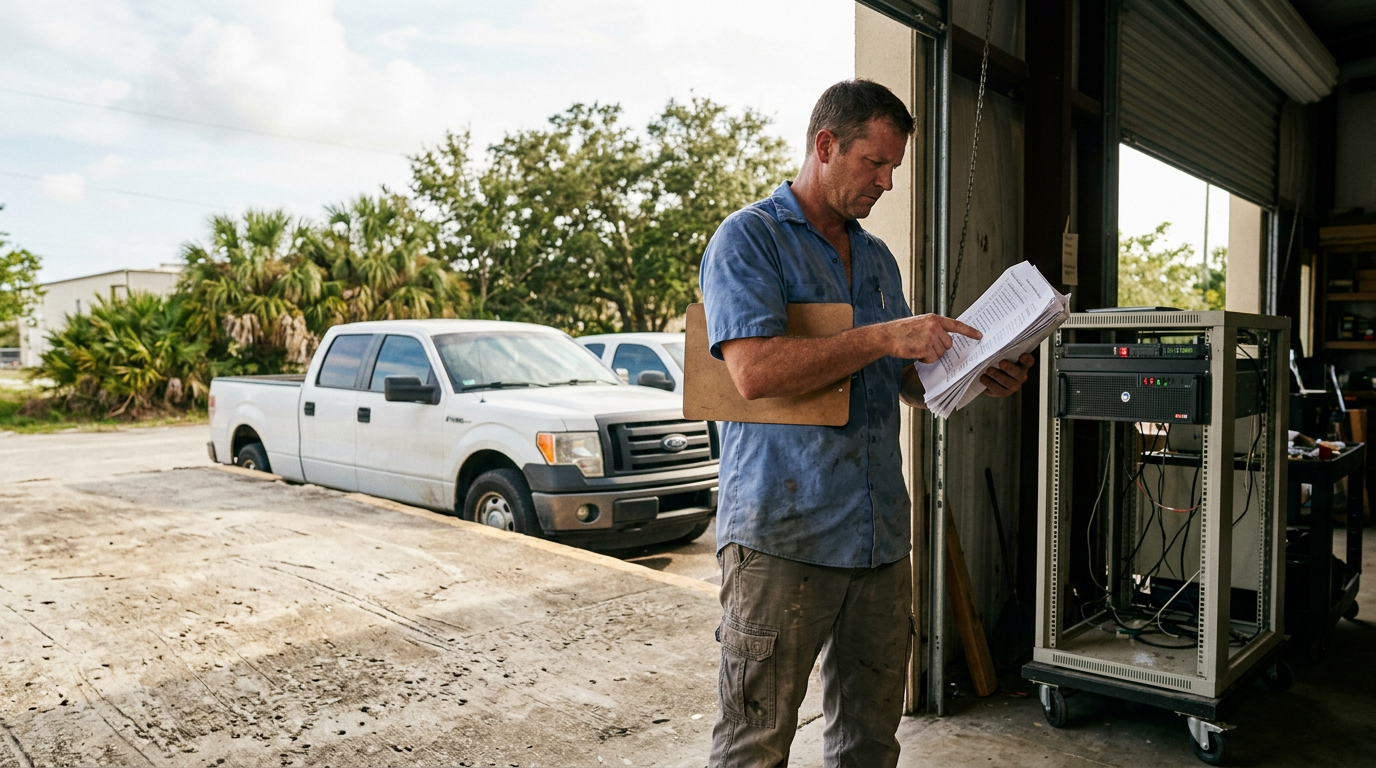
Hurricane Season Peaks September 10. Here's What Fort Myers Businesses Should Fix in the Next Four Weeks.
Four weeks, four things to fix, in the order that matters if you only get to two of them. We already have a hurricane checklist post, so this one is about timing rather than coverage.
Your business probably has a hurricane plan somewhere. Most don't, and most of those that do haven't tested it since they wrote it.
If a major storm hits Lee County in the next eight weeks, the difference between a business that survives and one that doesn't often comes down to four things: whether your data actually restores, whether your team can reach each other, whether your equipment stays powered, and whether you can prove what you owned when the insurance adjuster shows up. You have four weeks to lock all four down before the peak of hurricane season arrives.
Experts estimate 75% of businesses without a continuity plan will fail within three years of a disaster. That is not a scare tactic, it is the math. The businesses that make it are the ones that test their plans before the storm, not after. If you can only get to two of the four items below, do the first two. If you can do all four, you will sleep better in September and October.
Week 1: Verify Your Backups Actually Restore
This is the one thing that matters most. If your data is gone after a storm, no amount of surge protection or insurance paperwork brings it back.
Start by finding out where your critical data actually lives right now. Ask your IT person or your team: email, accounting files, customer lists, project files, where do they sit? On individual computers? On a server in your office? In the cloud?
Then confirm that off-site copies exist. Critical computer data should be backed up and stored off-premises. "Off-premises" means not in your building. If your backup is in a closet next to your server, a storm that floods your office floods both.
The hard part: actually restore from that backup. Not a test restore on a spare laptop. A real one. Pick a non-critical system, maybe an old email account or a test file share, and restore it completely from your backup. Time how long it takes. Document what broke. Fix it. This is not a tabletop exercise. If your backup fails now, you find out in four weeks, not at 2 a.m. during a power outage.
Week 2: Lock Down Communication and Remote Access
When a hurricane knocks out cell towers and internet, your team cannot coordinate. You need two things: a way for them to reach each other, and a way for them to work from home if the office is closed.
Build an employee communication plan with a designated out-of-area contact point. Businesses should have an employee communication plan with a designated out-of-town contact point for when local communications are down. Pick someone outside Florida, a family member, a friend, or a colleague in another state. When local cell service is down, employees call or text that person with their status. That person relays messages to the team. It sounds old-fashioned. It works.
Print the contact list, names, phone numbers, the out-of-area contact, and your business's main phone number, on a single page. Put one copy in every laptop bag. If an employee is working from home and the power goes out, they can still find the number without opening their computer.
Then test remote access with a full remote work day. Not a two-hour test. A full day. Have everyone work from home for eight hours. Document every problem: VPN won't connect, multi-factor authentication times out, files load slowly, someone cannot access the accounting system. Fix the top three issues before the season starts. Remote access that works on a Tuesday in August will save your business on a Thursday in September.
Week 3: Power and Surge Protection
A storm brings power flickers, surges, and outages. Your goal is to keep your equipment alive through them.
Check your UPS units, the battery backup boxes that keep servers and network gear running when the power goes out. If you have them, test them. Unplug the equipment from the wall and confirm it stays running on battery. Check the battery date on the label. If the battery is more than five years old, replace it. A dead battery is worse than no UPS at all.
Then add surge protection. A whole-building surge protector at your electrical panel is the best defense, but every sensitive piece of equipment, servers, network switches, phone systems, computers, should be on a quality surge strip. Cheap surge strips do not work. Look for ones rated at least 2,000 joules.
Label the cables going into your equipment before a storm hits. If a power surge or flood damages your gear and you need to rebuild it fast, you will thank yourself for knowing which cable goes where.
Week 4: Insurance, Documentation, and Photos
After a storm, your insurance company will ask you to prove what you owned and what was damaged. Do that work now, before the storm.
Review your insurance policy for three things: your wind deductible, your business interruption coverage and its waiting period, and any named-storm exclusions. Call your agent if you do not understand any of it. A $10,000 wind deductible or a 30-day waiting period on business interruption coverage can be the difference between staying open and closing for weeks.
Then photograph and video everything of value in your office: equipment, furniture, inventory, tools, signage. Businesses should photograph or video all damage before making temporary repairs, for insurance assessment. Store the photos and video off-site, in cloud storage, on an external drive at home, or on a shared drive with your accountant. If your office is damaged, you will have proof of what was there.
What a Local Partner Can Do in Four Weeks
This plan calls for hands-on work: testing backups by actually restoring them, running a full remote work day with someone watching for problems, testing UPS batteries, labeling cables, photographing equipment. A remote help desk cannot do any of it.
Local engineers in Southwest Florida can come to your office and walk through all four weeks with you. We can label your cables, test your UPS units, run the restoration drill, and sit in on your remote work test day. If you already work with a managed IT provider on a flat-rate agreement, this prep work folds into what you already pay for, no surprise project, no per-hour billing.
If you have only two weeks instead of four, we can tell you which two items matter most and help you finish them before the season peaks. If you have all four weeks, we can make sure all four are done right.
Book a four-week hurricane IT readiness review. We will come on-site, walk the four items above with you, and tell you which two to prioritize if time runs short.